Whether you’re a calendar admin or end-user, each event submission should include a university-appropriate, web-ready, landscape-oriented (horizontal) image set in at least the following dimensions: 940 x 557 pixels. The maximum supported file size in Localist is 5,000 x 5,000 pixels.

  • No photo? No problem! You can access the Campus Photos catalog for relevant options to choose from. When choosing, be mindful of how the image reflects or complements your event. If your event takes place at Sterling Library, for example, try selecting a shot of the Nave—not Harkness Tower.

For accessibility purposes, avoid uploading poster- or flyer-like imagery with your event where text is overlaid onto the image.
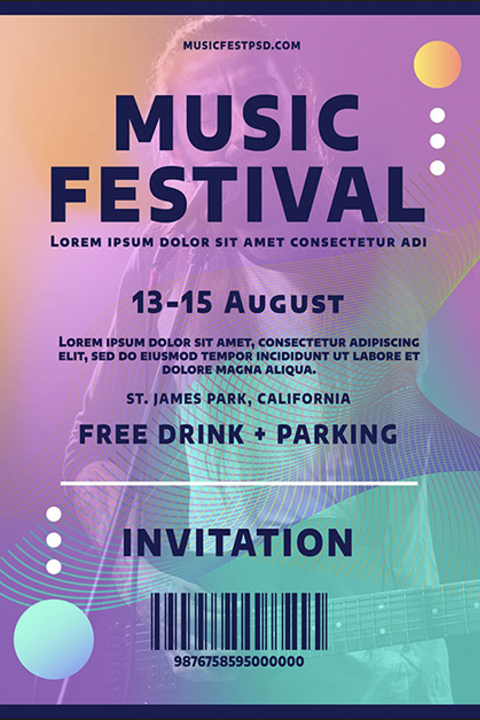
An example image type not to use

This is an example of a type of image not to upload with your event. Busy, overlaid text can create significant challenges for screen reader users. The image is also set in a vertical position, which may cause an awkward presentation within the Yale-Localist calendar.

Example of an image not to upload with event

An example image type to use

This is an example of a type of image to include with your event listing. The image is free of overlaid text, visually compelling, and horizontally-oriented.

Two students at sunset looking out into distance

Important! If your event image is not copyrighted to a Yale University entity (or is one you do not personally own), you are responsible for clearing any applicable permissions for use by the third-party holder(s) before submitting your event. Do not download images from Google Image or similar photo search engines as the image may not be considered free use, royalty-free, or within the public domain.