Community Spotlight

Every Yale website on our platform starts with the same blocks. What teams build with them is different each time. Community Spotlight tells the story of Yale sites built on YaleSites, in the words of the people who built them.

Each story shows the site, the blocks and features the team used, and a tip you can try on your own site.

Find a site like yours

Use this table to find a story that matches what you want to do.

If you want to… Read about
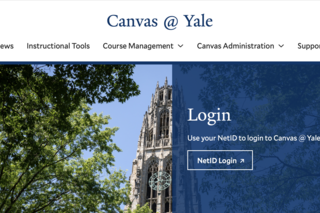
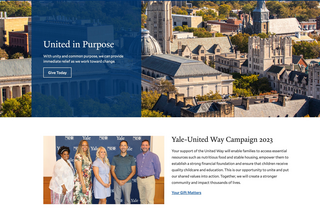
Put your most important action at the top of your homepage Yale-United Way Campaign, Canvas @ Yale
Organize a large site with many subpages Enterprise Monitoring, Student Accessibility Services
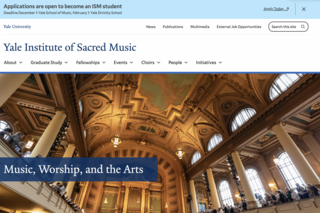
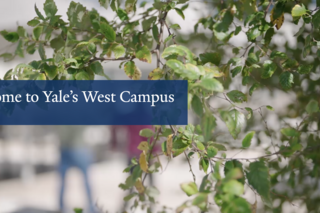
Welcome visitors with video and strong images Yale Visitor Center, Yale West Campus, Yale Institute of Sacred Music
Give your site its own look inside the Yale brand Indigenous Leaders at Yale
Show research, labs, and people with news feeds Yale Chemistry Department, Yale West Campus
Make accessibility part of how you build Student Accessibility Services
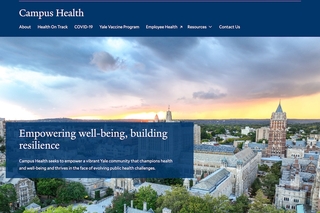
Build a site with little web experience Campus Health
Plan a rebuild with a content audit and user testing Yale Chemistry Department

Most of these stories feature a small set of blocks and settings. Each of these blocks has a user guide page: Action Banner, Grand Hero, Custom Cards, Quick Links, Spotlight Landscape, and View block. For menus, read Building Your Menu.

The Building with Blocks class helped me remove the training wheels and experiment with the templates. This is where the magic happened!

—

Lisa Kimmel, Director of Wellness and Education, Campus Health

All spotlight stories

Start or grow your own site

Want to see how departments add new features to the platform itself? Read about Building YaleSites Together.