The easiest way to ensure your photos look their best is to resize them before uploading. First, determine which Blocks you’d like to use, then check the dimensions of your media assets. If your image size falls below the recommended minimum size, you’ll likely need to upscale to avoid blurring or pixelation.
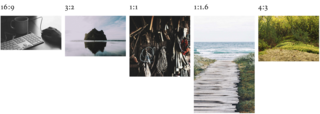
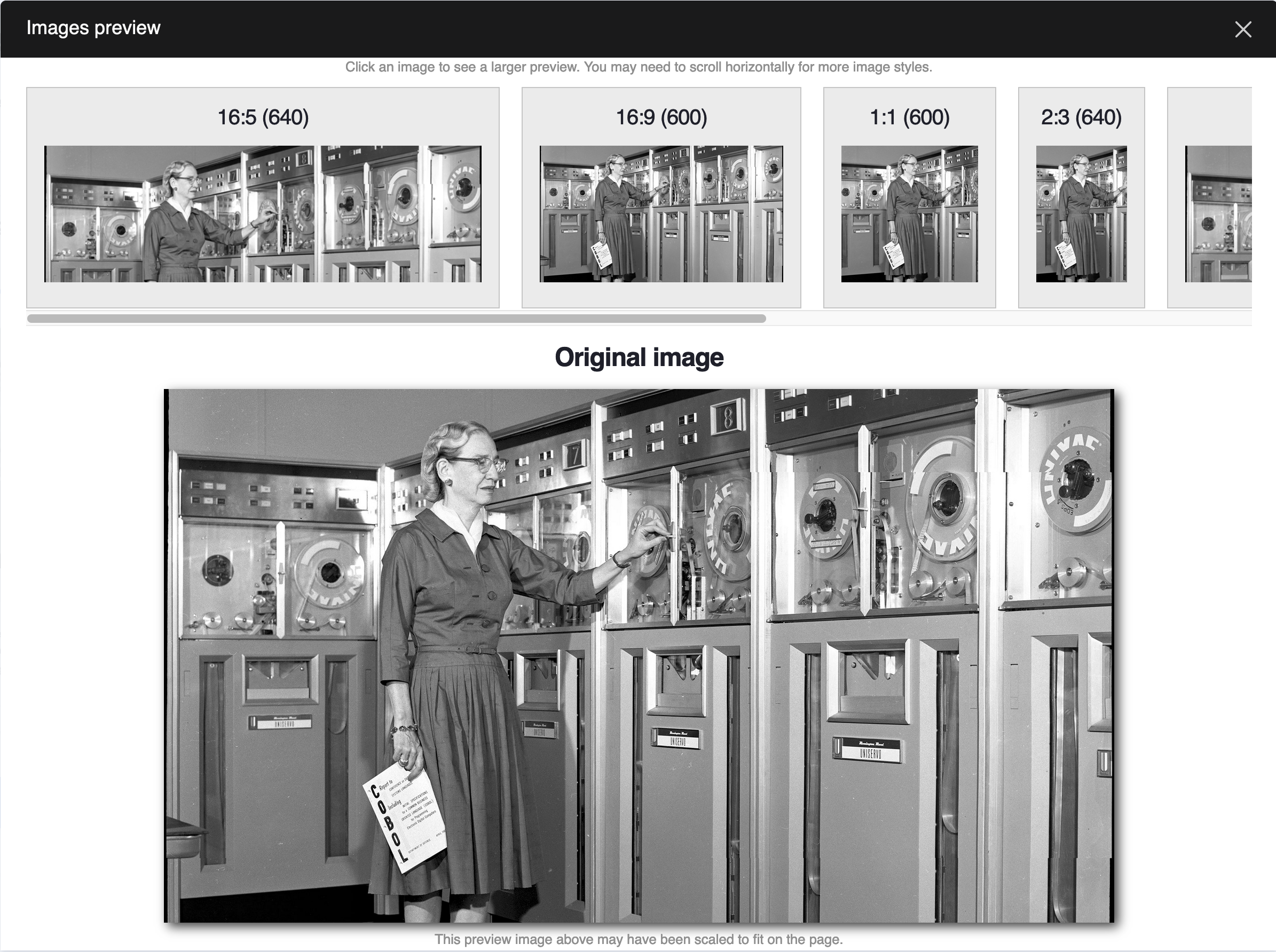
Some Blocks, like the Content Spotlight, Image Block, and Wrapped Image, support multiple aspect ratios. You’ll need to consider how you plan on using them to determine the best aspect ratio to use.
For example, the Content Spotlight supports up to 500 characters of text. If you prefer your images and text to be balanced, a 3:2 aspect ratio is your best bet. When using a Wrapped Image, on the other hand, you’re able to include as much text as necessary. For this use case, a 1:1.6 aspect ratio would be an excellent choice.
Recommended Sizes
| Block |
Aspect Ratio |
Minimum Dimensions |
| Image |
multiple |
900 pixels wide |
| Wrapped Image |
multiple |
640 pixels wide |
| Content Spotlight |
multiple |
800 pixels wide |
| Grand Hero |
16:9 |
1280x720 pixels |
Media Grid,
Gallery |
3:2 |
480x320 pixels |
Custom Cards,
Teasers |
3:2 |
480x320 pixels |
| Profile Card |
1:1 |
400x400 pixels |
| Reference Card |
4:3 |
640x480 pixels |
| Mega Footer - School Logo |
3:1 |
900x300 pixels |
| Mega Footer - Logo |
1:1 |
400x400 pixels |
| Banner with Short Option Selected |
3:1 |
2400x750 pixels |
| Image Banner |
|
1280x720 pixels |
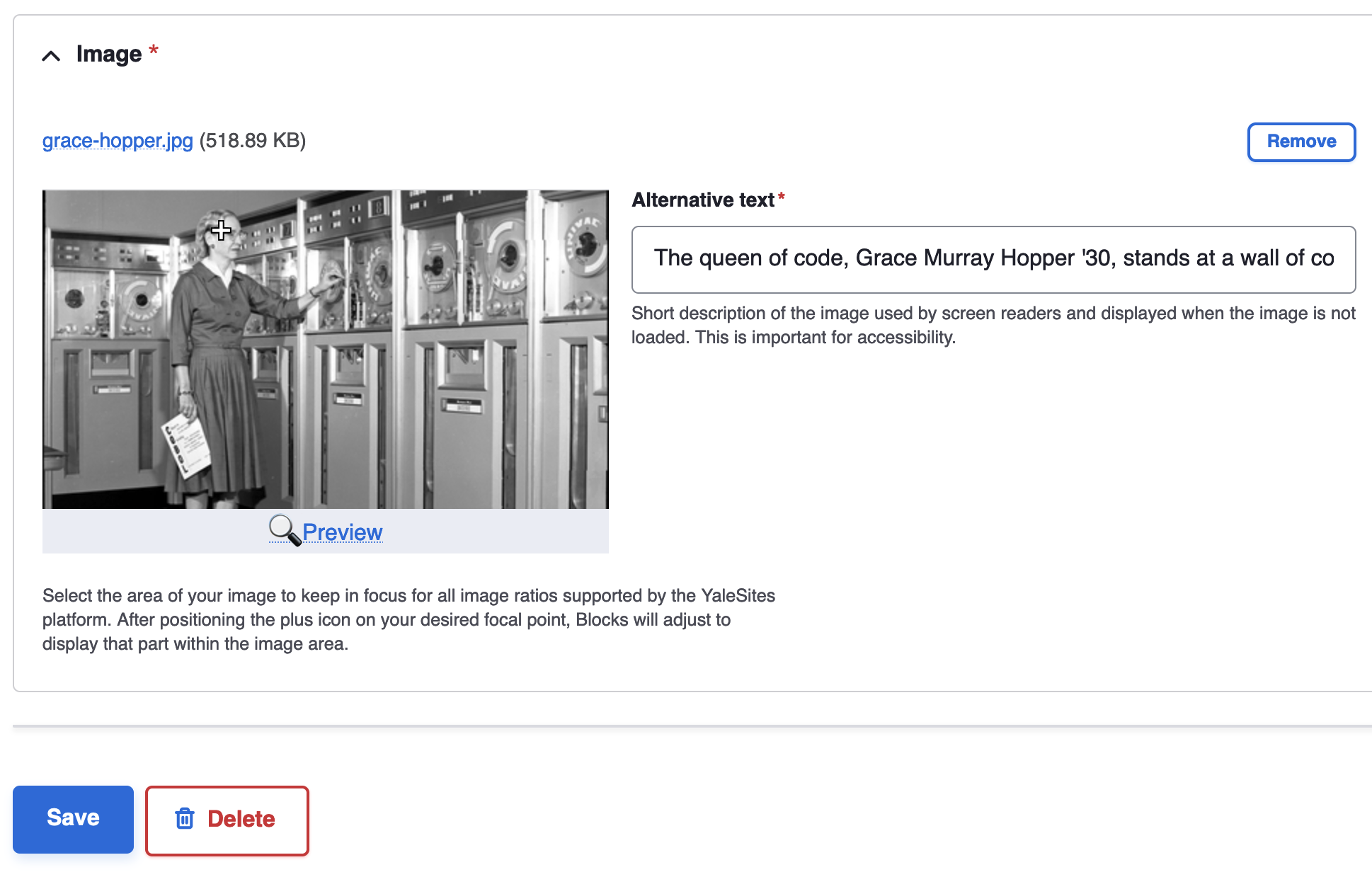
Adjust the Image Focal Point
Focal Point is a feature that ensures key parts of your image take center stage. Avoid accidentally cropping out important details—like a subject’s head—and make image cropping easier than ever.